01 Atelier workspaces With an image
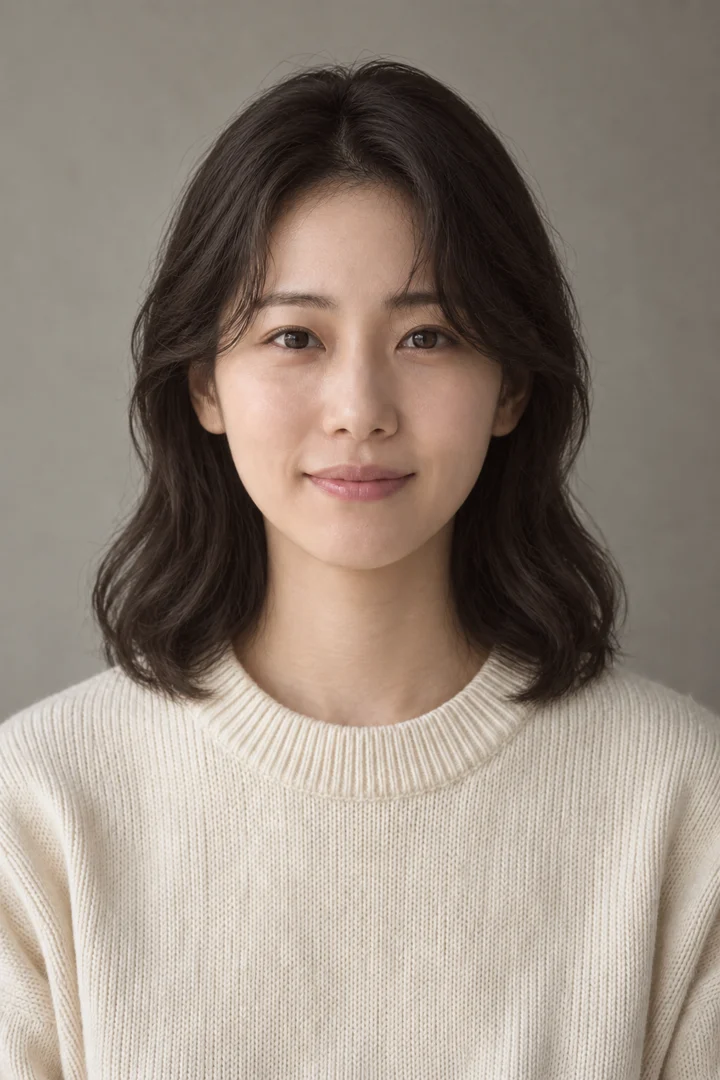
Another version of your portrait Explore masculine or feminine styling through a portrait based on your own facial features.
Another version of your portrait
Explore masculine or feminine styling through a portrait based on your own facial features.
02 Atelier workspaces With an image
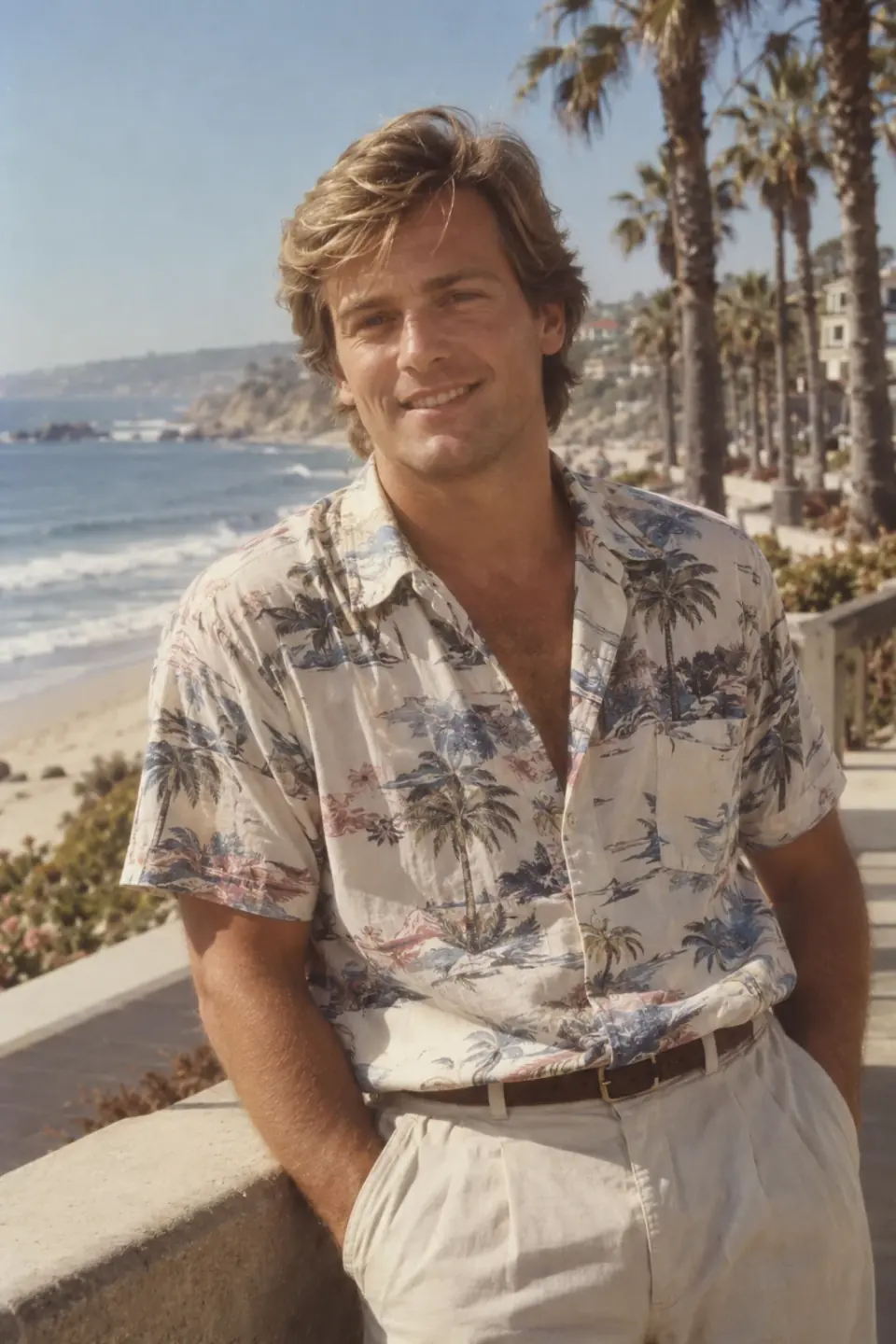
Portraits from another decade Try period-inspired hair, clothing and locations while using your photo as the guide to identity.
Portraits from another decade
Try period-inspired hair, clothing and locations while using your photo as the guide to identity.
03 Atelier workspaces With an image
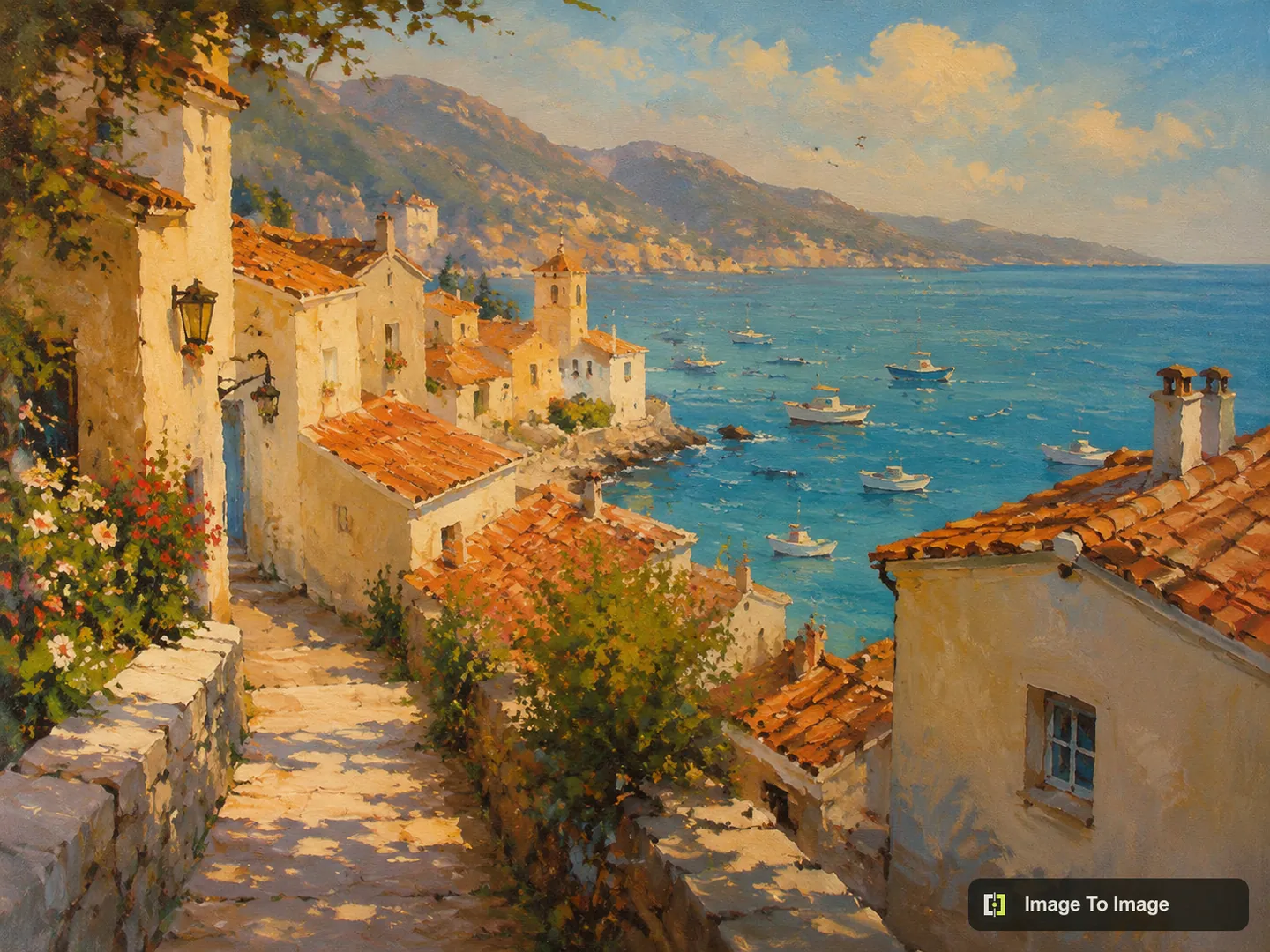
Reimagine an image Bring a photo or illustration into the atelier and describe the version you want to make next.
Reimagine an image
Bring a photo or illustration into the atelier and describe the version you want to make next.
04 Atelier workspaces From a brief
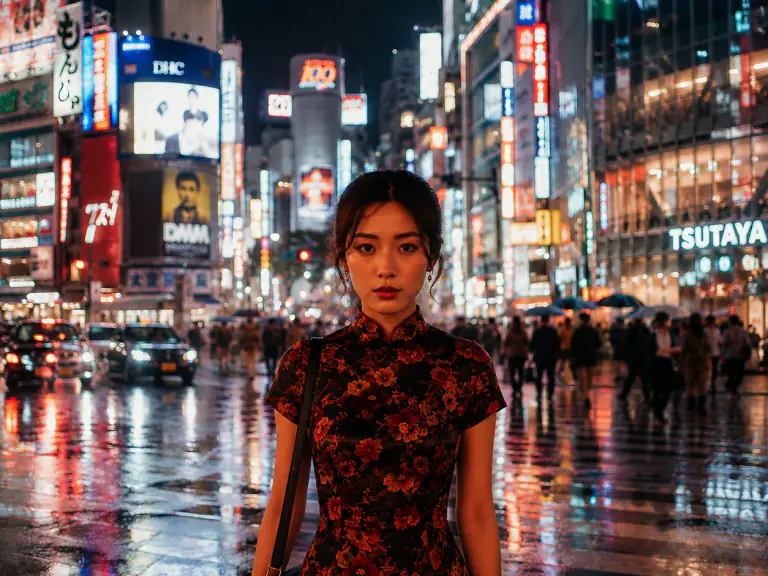
Create from a description Give your visual idea a subject, setting and mood, then turn the written brief into an image.
Create from a description
Give your visual idea a subject, setting and mood, then turn the written brief into an image.
05 Atelier workspaces With an image
Make a precise image edit Tell the atelier which detail to replace, remove or adjust, and which parts of your image should remain.
Make a precise image edit
Tell the atelier which detail to replace, remove or adjust, and which parts of your image should remain.
06 Atelier workspaces With an image
Repair a treasured photo Work from an old scan to reduce visible wear, improve tones or explore a carefully colorized version.
Repair a treasured photo
Work from an old scan to reduce visible wear, improve tones or explore a carefully colorized version.
07 Atelier workspaces With an image
Enlarge your image Give a small image more room to display, with an enlargement factor suited to your project.
Enlarge your image
Give a small image more room to display, with an enlargement factor suited to your project.
08 Atelier workspaces With an image
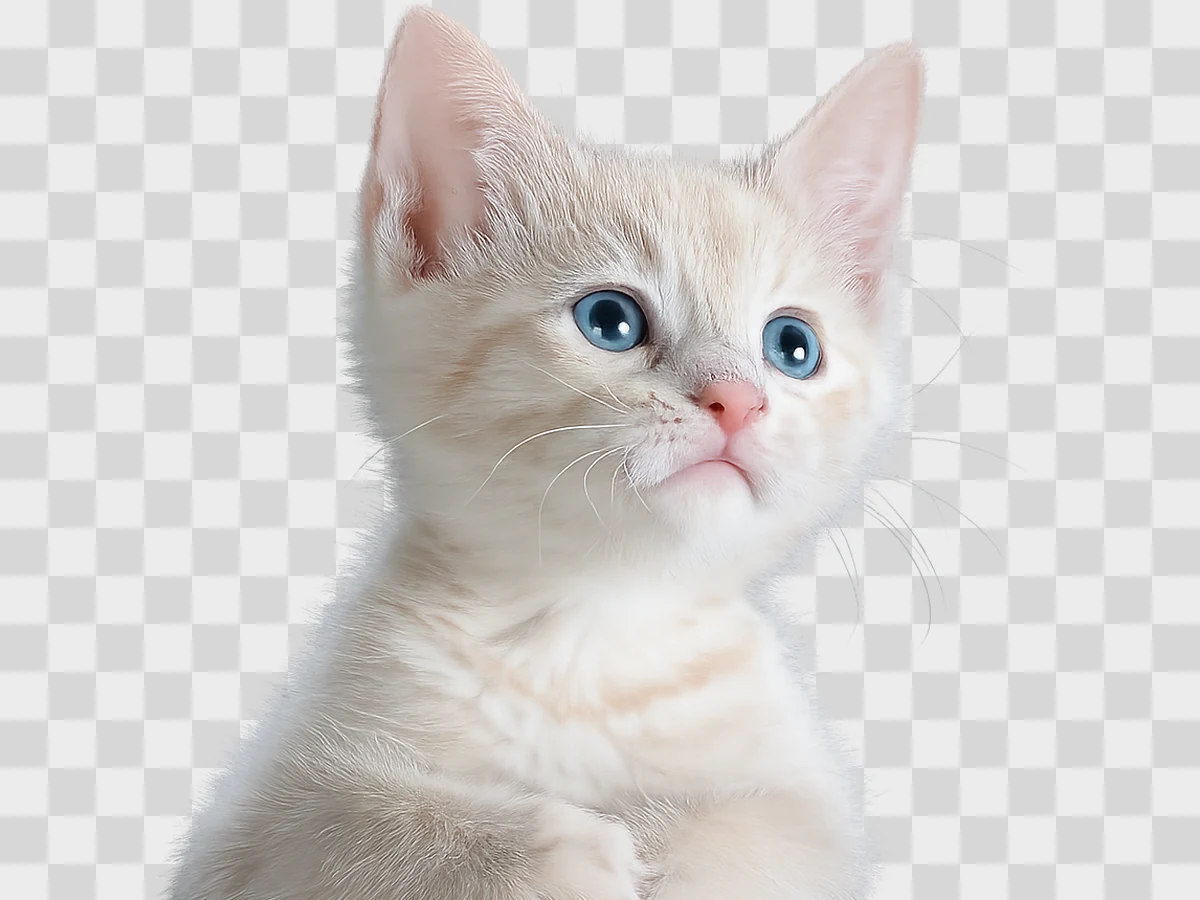
Cut out your subject Separate the foreground from its surroundings to prepare a subject for another composition.
Cut out your subject
Separate the foreground from its surroundings to prepare a subject for another composition.
09 Atelier workspaces With an image
Move the scene elsewhere Keep the foreground as your starting point and describe a new place, backdrop or atmosphere.
Move the scene elsewhere
Keep the foreground as your starting point and describe a new place, backdrop or atmosphere.
10 Atelier workspaces With an image
Clean an authorized overlay For images you are allowed to modify, reconstruct the area underneath an unwanted overlay.
Clean an authorized overlay
For images you are allowed to modify, reconstruct the area underneath an unwanted overlay.
11 Atelier workspaces With an image
Refine a photo Choose the type of improvement your photo needs, from recovering dim light to balancing color.
Refine a photo
Choose the type of improvement your photo needs, from recovering dim light to balancing color.
12 Atelier workspaces With an image
Painted animation portrait Translate your source into an original drawn treatment with expressive color and a familiar silhouette.
Painted animation portrait
Translate your source into an original drawn treatment with expressive color and a familiar silhouette.
13 Atelier workspaces With an image
Make a character portrait Find an illustrated version of your subject through a choice of cartoon treatments.
Make a character portrait
Find an illustrated version of your subject through a choice of cartoon treatments.